
Designing Thumb-Friendly Navigation Zones
Learn where to place buttons and controls so users can comfortably reach them with their thumb during one-handed browsing on mobile devices.
Budget phones dominate Philippine market. Understand their hardware limits and design accordingly for smooth performance
Nearly 70% of Philippine mobile users rely on devices under 10,000 pesos. These aren’t high-end flagships with cutting-edge processors. They’re phones with limited RAM (1-2GB), older processors, and modest storage. When you design for the average Filipino user, you’re designing for these constraints.
Here’s the reality: a beautifully designed interface that works perfectly on a flagship phone can become sluggish, unresponsive, or even unusable on a budget device. The difference isn’t always dramatic. Sometimes it’s just noticeable lag when scrolling, slow image loading, or buttons that take a second to respond. But that’s enough to frustrate users and drive them away.
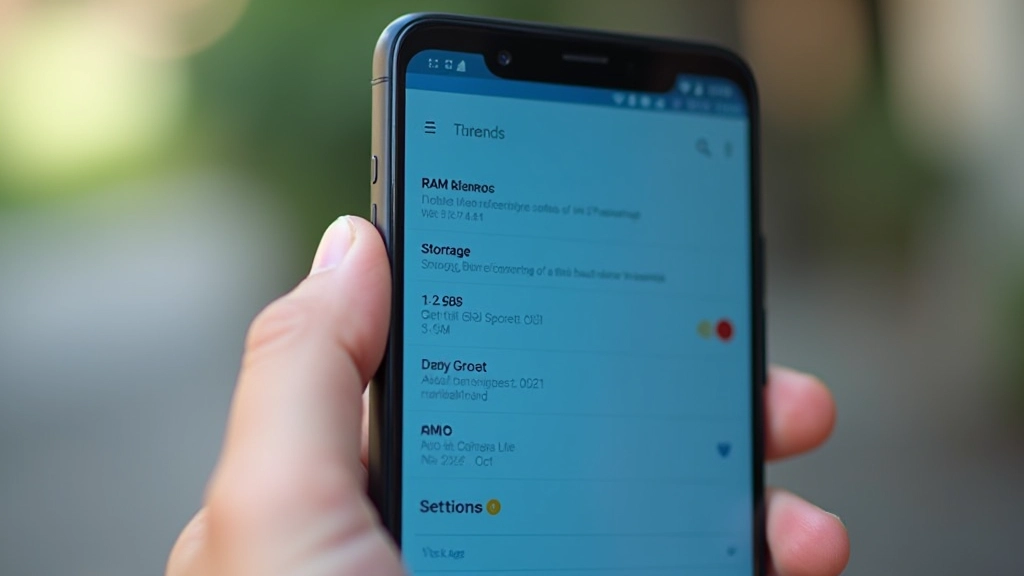
Budget Android phones typically ship with 1-2GB of RAM, sometimes 3GB if you’re lucky. Compare that to flagship devices with 8-12GB. This single constraint cascades through your entire design approach.
When RAM is limited, heavy JavaScript frameworks can cause visible stuttering. Complex animations drain battery faster. Background processes compete with your app for memory. You’re not designing in an ideal environment—you’re designing in an environment where every kilobyte counts.
The processors in budget phones aren’t just slower—they’re significantly slower. A task that takes 100ms on a flagship might take 300-500ms on a budget device. Multiply that across hundreds of operations during a session and you’ve got a perceptibly sluggish experience.

Don’t just test in Chrome DevTools. Don’t simulate throttling on your MacBook Pro. Get actual budget phones and test your design on real hardware. The difference is striking.
When you open a content-heavy page on a real budget phone, you’ll notice things that emulators don’t show. Images take time to decode. Scrolling isn’t always smooth. Text rendering differs. You’ll see real-world behaviors that force you to rethink your approach.
We’ve found that pages loading 8-10 images simultaneously can cause visible jank on budget devices. The browser’s rendering engine struggles to keep up. Animations stutter. Scrolling becomes less responsive. These aren’t theoretical problems—they’re issues your actual users experience.
Pro tip: If you can’t access real devices, services like BrowserStack and AWS Device Farm let you test on actual budget phones remotely. It’s worth the investment to understand how your design performs in the real world.
Practical techniques to make layouts perform smoothly on limited hardware
Compress images aggressively. Use modern formats like WebP. Implement lazy loading so images load only when users scroll into view. On a budget device with 16GB storage and slow storage access speeds, every kilobyte matters.
Heavy JavaScript frameworks can cause significant CPU usage on budget devices. Use vanilla JavaScript where possible. Defer non-critical scripts. Consider whether you really need that animation library or if CSS animations suffice.
Build a solid foundation with HTML and CSS. Layer JavaScript on top. This ensures your content remains accessible and usable even if JavaScript fails to load or execute properly on slower connections.
Budget phones often connect via 4G on congested networks. Pages might load at 1-2Mbps. Reduce HTTP requests. Use service workers for offline capability. Show loading states that feel responsive rather than frozen.
Deep nested HTML structures slow down rendering on budget devices. Keep your DOM tree shallow and lean. Avoid unnecessary wrapper divs. Every element the browser must parse and render consumes resources.
CSS animations and transitions are GPU-accelerated and perform better than JavaScript animations on budget devices. When possible, use transform and opacity changes instead of layout-triggering properties like left or top.

It’s easy to optimize for flagship devices. Everyone’s phone feels fast when it has 12GB of RAM and a top-tier processor. The real challenge—and the real skill—is creating smooth, responsive experiences on devices with genuine constraints.
When you design for budget phones, you’re forced to make intentional decisions. Every animation must serve a purpose. Every image must be optimized. Every script must earn its place. This discipline makes your designs better for everyone, including flagship users who benefit from faster load times and less battery drain.
In the Philippines and across Southeast Asia, budget phones aren’t a niche market—they’re the mainstream. Design for them, and you’re designing for the majority of your users. That’s not a limitation. That’s clarity about who you’re building for.
This article provides educational information about mobile device optimization and design practices. The specifications, performance characteristics, and optimization techniques described are based on general industry knowledge and typical device capabilities. Device performance varies by model, manufacturer, and configuration. Actual results depend on specific implementation details, network conditions, and hardware variations. This content is intended to inform and guide design decisions—always test your specific implementations on real target devices to verify performance and user experience.